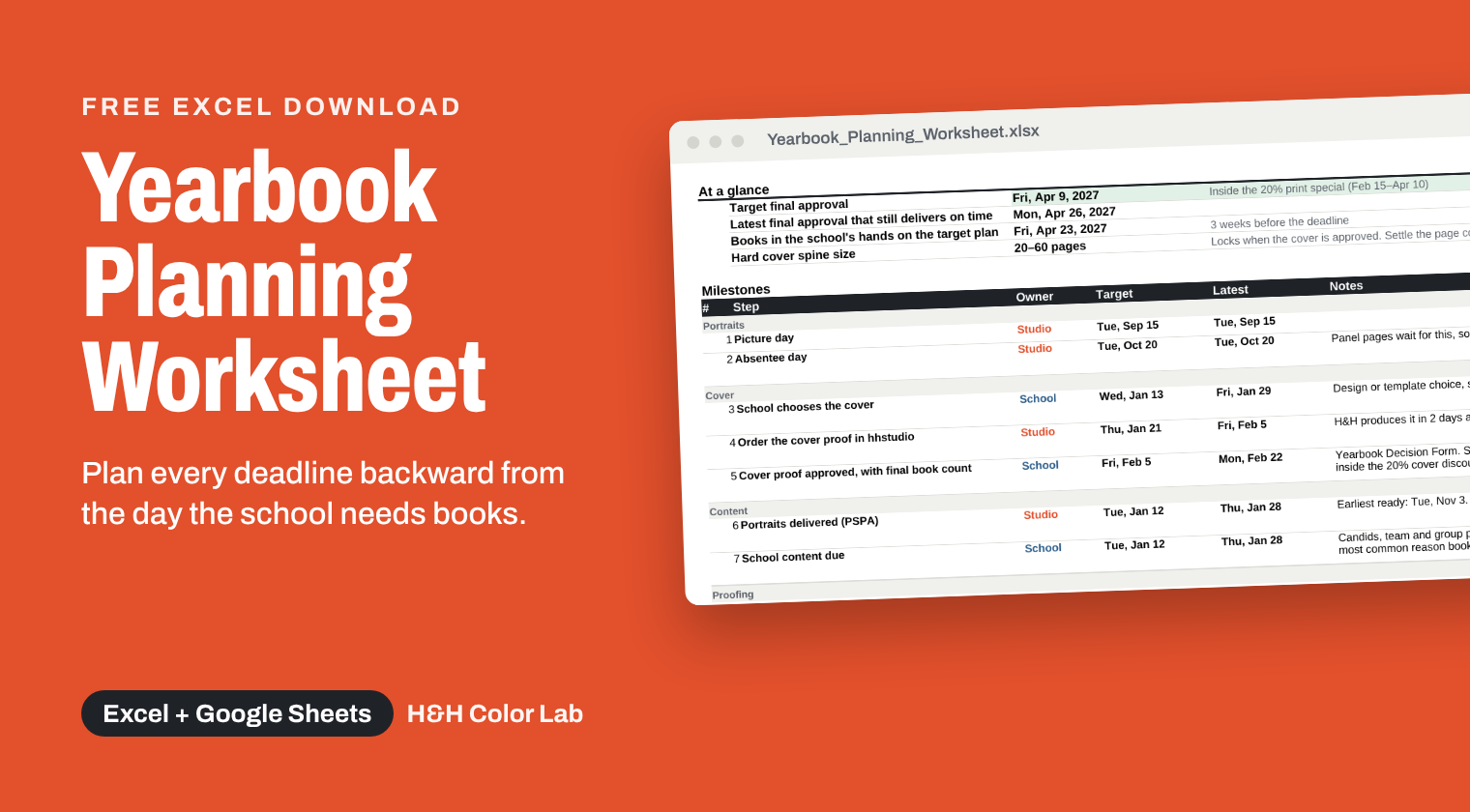
What you enter, and what you get
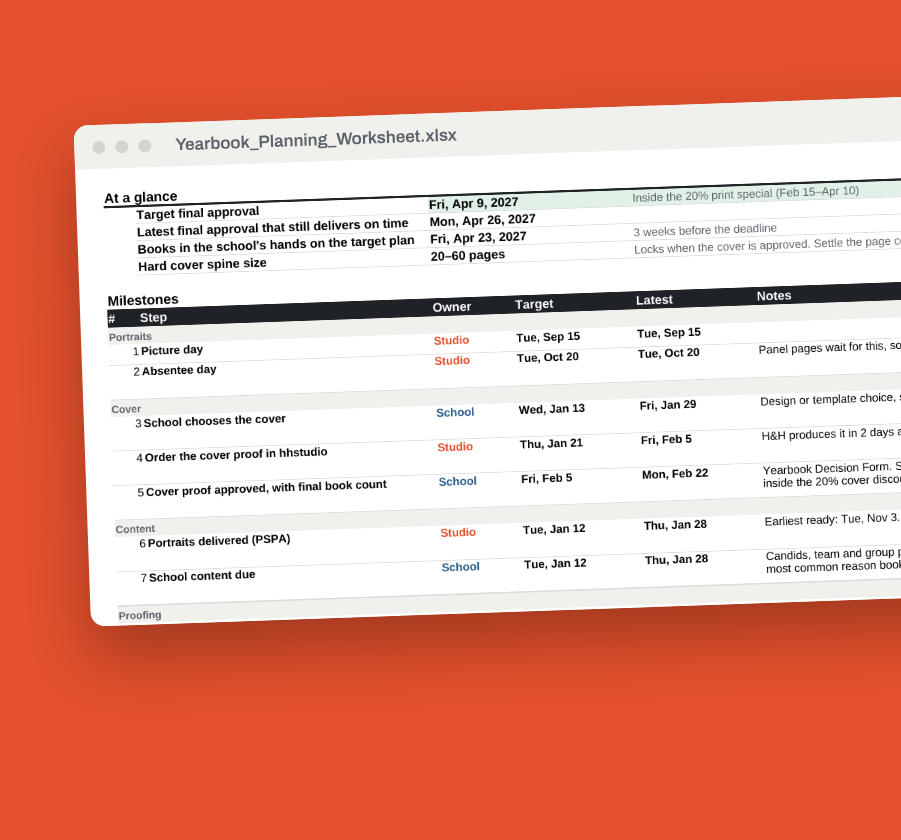
Enter the date the school needs books in hand, picture day, absentee day, hard or soft cover, book count and page count. The worksheet gives you a dated list of every step, who owns it (studio, school or H&H), and two dates for each: a target to share with the school and the latest date that still delivers on time. It plans 2 or 3 printed proof rounds, adds the cover steps for hard cover, and warns you when portraits will run late or a book is already behind. Works in Excel and Google Sheets.
What it does
Works backward from the date that matters.
Start with when the school needs books in hand. The worksheet counts back through shipping, printing, proof rounds, content and portraits.
Builds in room for proofs.
It plans 2 or 3 printed proof rounds, so one round of corrections doesn’t sink the schedule.
Handles hard and soft cover.
Hard cover adds the cover proof and approval steps and flags when the page count locks to a spine size.
Questions
In case you have this question too...
Does it work in Google Sheets?
Open it in Excel or upload it to Google Sheets.
Does it replace talking with H&H?
Production times come from H&H’s published yearbook terms and can vary in peak season, so confirm dates with H&H before you commit them to a school.
Built on H&H's yearbook terms
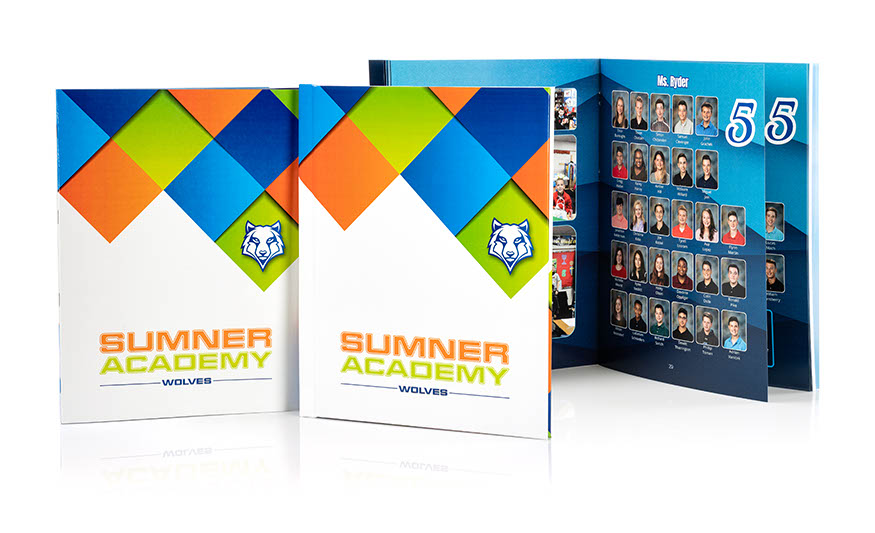
The worksheet uses H&H's published yearbook service times and the Feb 15 to Apr 10 print special, so the dates line up with how your books move through our lab. Add the school's breaks on the Holidays tab and every date shifts around them. Production can run longer in peak season, so confirm dates with H&H before you commit them to a school.
Every yearbook deadline on one page
Most yearbooks slip because a deadline nobody wrote down came and went. Put the dates in front of the school on day one, and keep the recovery room for yourself.
Get your free download now